Your clients.
Their tax.
Done.
Built for the practice that files Making Tax Digital for its clients.
Your clients keep their records in DoneTax or DoneSE and send you each quarter. You review the figures, file under your agent authorisation, and see where every client stands. Nothing to re‑key.
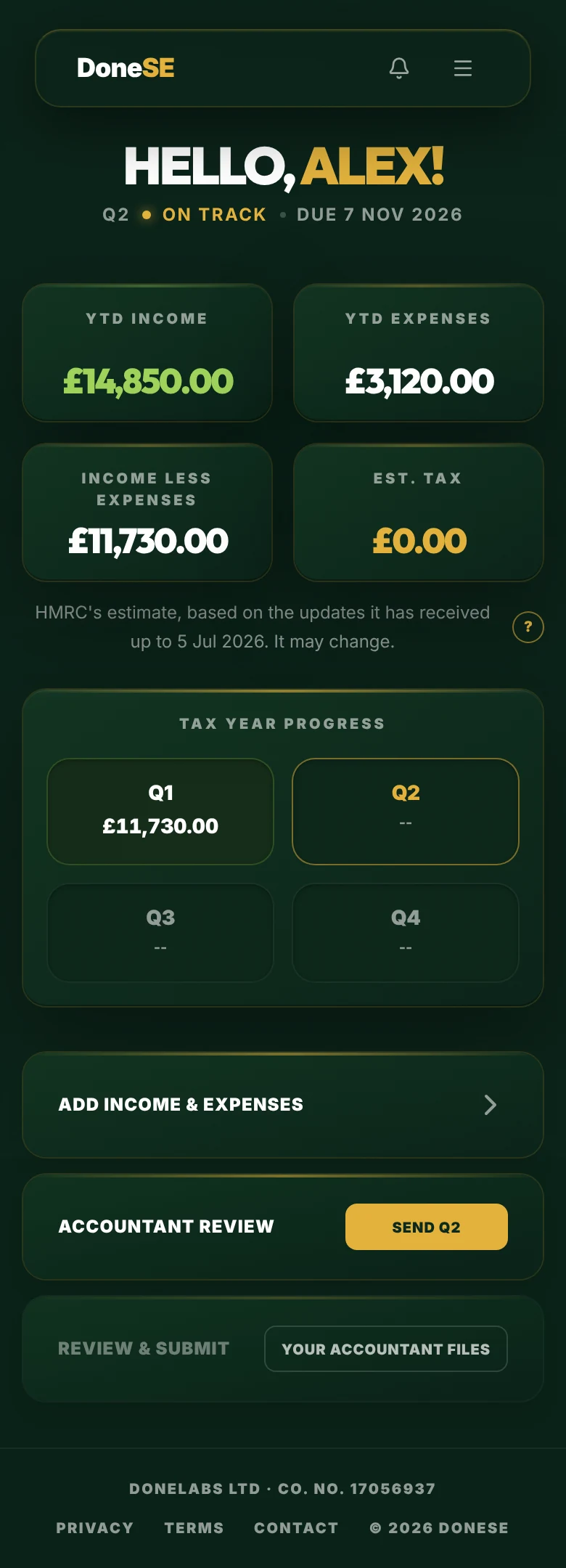
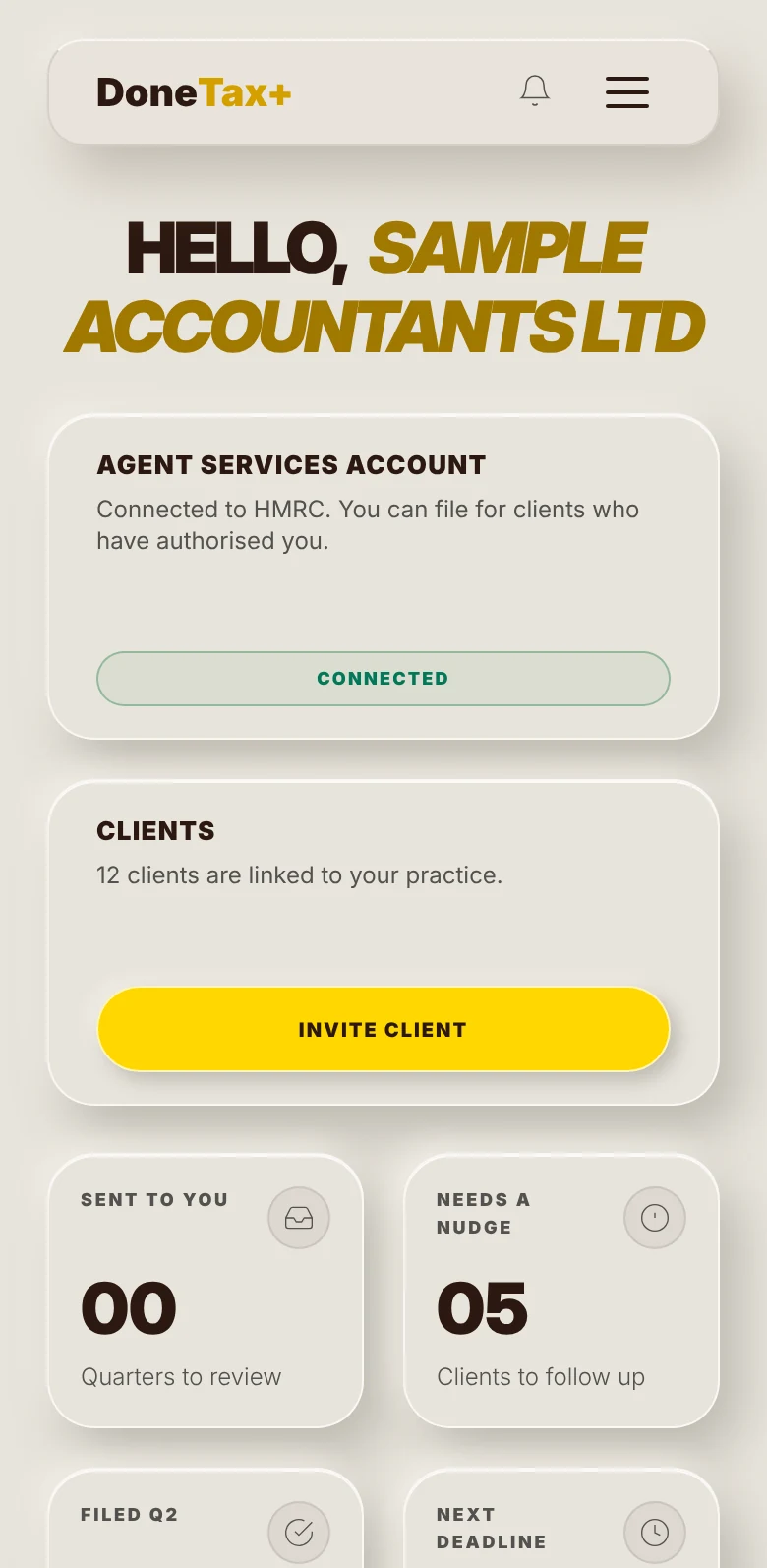
Test account · sample data
One ecosystem. Four products.
For landlords
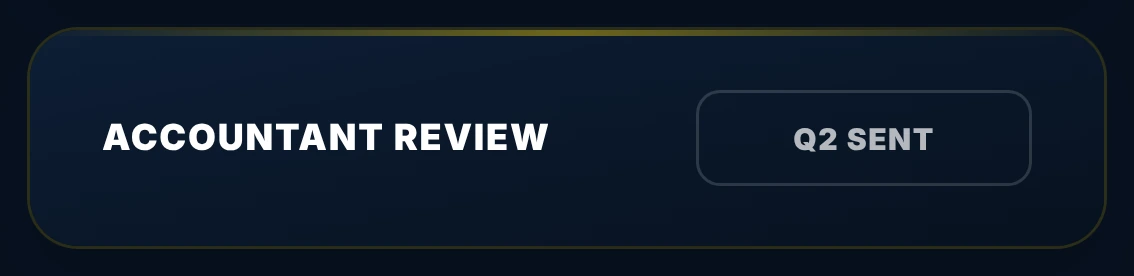
Property income. Your client records rent and expenses, and sends you each quarter.
For the self-employed
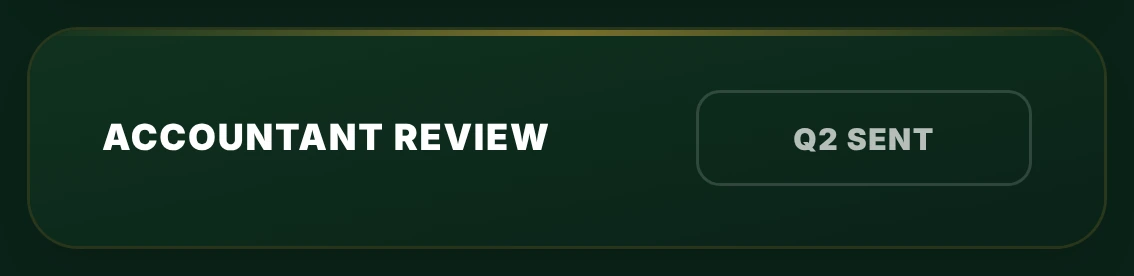
Self-employment income. Your client records income and expenses, and sends you each quarter.
For VAT-registered businesses
VAT. Your client logs sales and purchases. Sending them to DoneTax+ is coming soon.
For your practice
Every client, and where each one stands, in one place. You review each quarter and file under your agent authorisation.
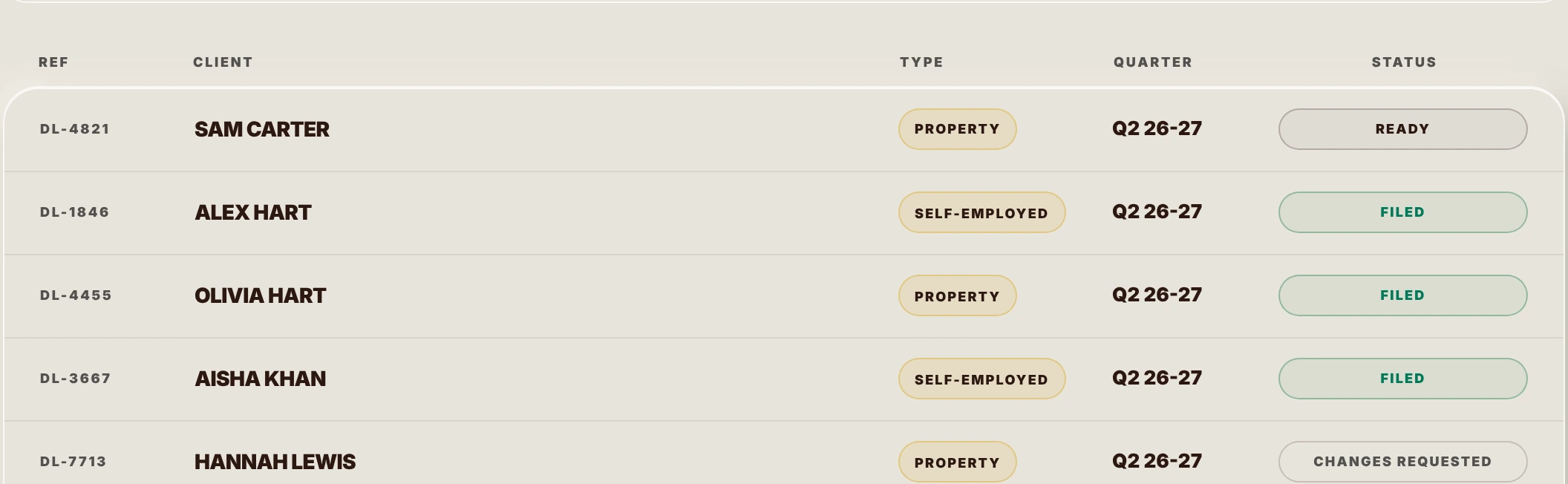
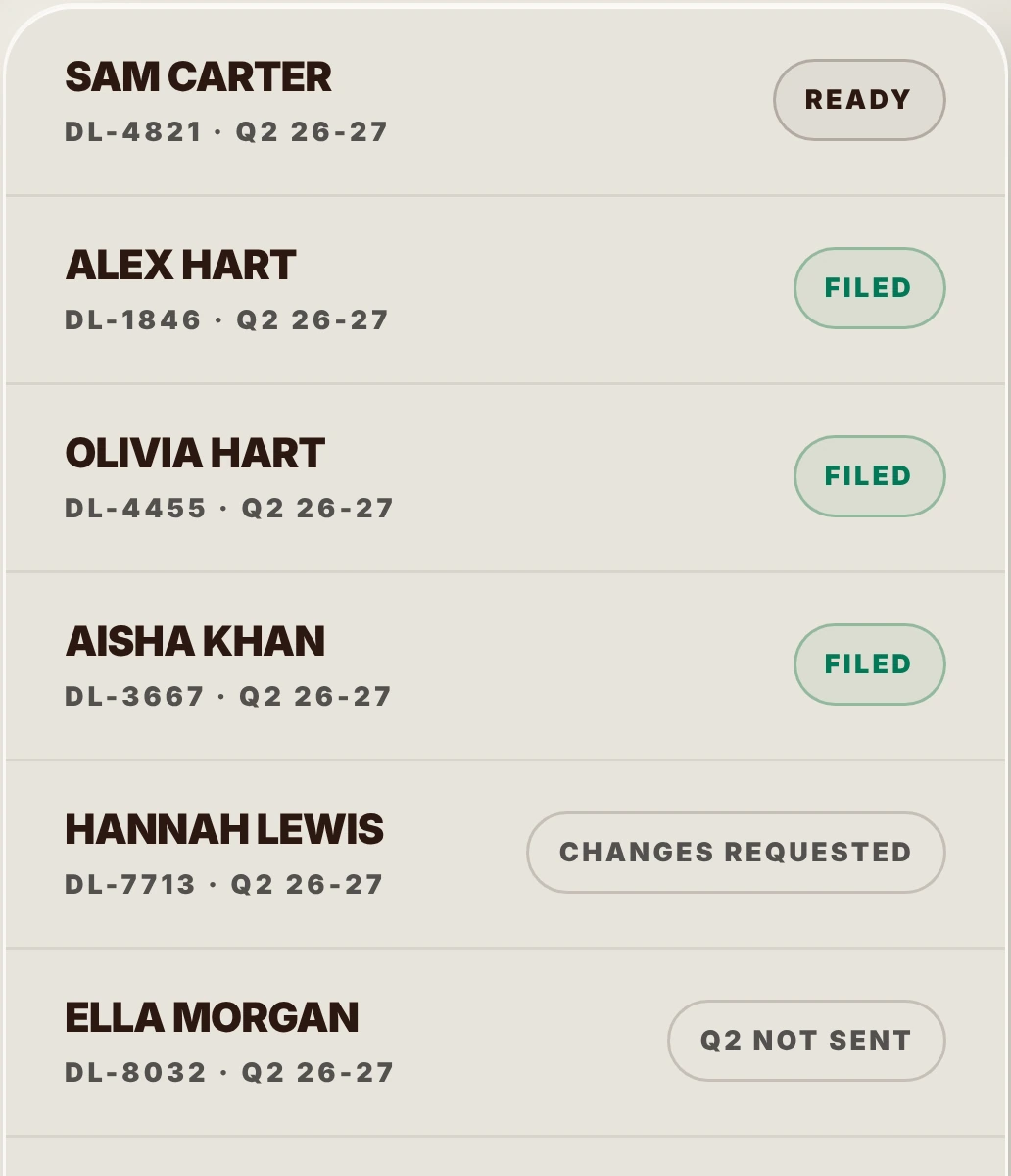
Test account · sample data
Built for agents. Not adapted.
Full audit trail
Every review and every filing is recorded with the time it happened. A clear record for every client.
Invite your clients
Enter your client's National Insurance number and they get an invite in DoneTax or DoneSE. Once they accept and authorise you at HMRC, their quarters come to your dashboard.
File straight to HMRC
Connect your HMRC Agent Services Account once. File quarterly updates and year-end tax returns under your agent authorisation, without leaving DoneTax+.
How it works.
Connect HMRC
You sign in at HMRC once. We never see your Government Gateway username or password.
Invite a client
Enter your client's National Insurance number. They accept the invite in DoneTax or DoneSE, then authorise you at HMRC with their own Government Gateway sign-in.
Your client sends the quarter
Your client records their income and expenses in DoneTax or DoneSE and sends you the quarter. It arrives on your dashboard ready to review. Nothing to re-key.
Review and file
Review every row, check the year-to-date figures HMRC will be sent, and file under your agent authorisation. Every filing is recorded.
AES-256 encryption · HMRC fraud prevention headers · ICO registered
One quarter. One path.
DoneTax+ was built for practices from the start. Every client's quarter follows the same steps, so you always know where each one stands.
- Your clientNot finished
They are still recording the quarter in their own app.
- Your clientReady
They have sent it. It is on your dashboard, waiting for you.
- YouIn review
You mark it while you check the rows and the year-to-date figures.
- YouFiled
You filed it with HMRC. Your client's app tells them.
- At the year endFinalised
The tax return for the year has been submitted.
Nothing reaches HMRC until you file.
Need a change? Edit a row yourself, or mark the quarter as changes requested. It comes back as Ready when your client sends it again.
Your clients do the data entry
They record their own income and expenses in DoneTax or DoneSE. When they are ready they send the quarter and it arrives on your dashboard. Nothing to re-key.
What you review is what is filed
Before you file, you see the year-to-date figures HMRC will be sent. Those are the figures that go, and the figures your client sees as filed.
Every client in one place
One quarter per client and income type, each tracked through the same steps on one dashboard.
One platform. One price.
Monthly
- Unlimited clients
- File straight to HMRC
- Quarters sent by your clients
- Year-end tax return
Annual
Recommended- Unlimited clients
- File straight to HMRC
- Quarters sent by your clients
- Year-end tax return
Frequently asked.
Ready to run your practice
at a different level?
Making Tax Digital for Income Tax is live and your clients are now filing quarterly. DoneTax+ gives you one place to review, approve, and file for every client. Request early access and we'll email you when DoneTax+ opens to your practice.
The DoneLabs Family
Making Tax Digital for Income Tax software for property income.
Making Tax Digital for Income Tax software for the self-employed.
Making Tax Digital for VAT software. Log your sales and purchases and submit your VAT return.
The practice platform. Review and file for every client from one dashboard.
The home of the DoneLabs ecosystem. Free Making Tax Digital tools, the UK accountant directory, and the journal - all in one place.